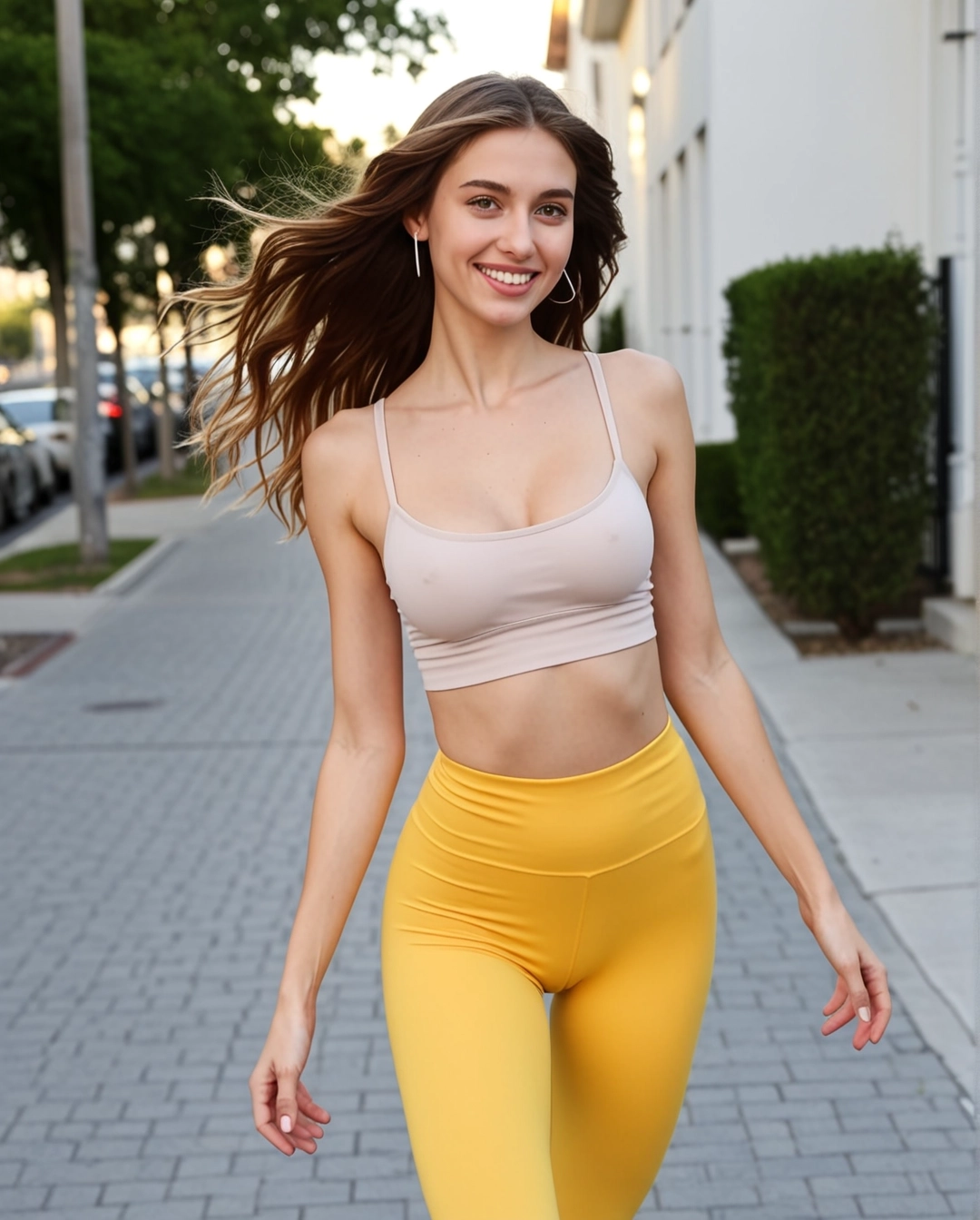
SexyGF AI Reference to Video Generator
Use reference images when the girlfriend look, outfit, and visual mood matter more than a single text prompt.
How to use this workflow
- • Upload one to three references with the clearest face direction, outfit, and lighting.
- • Keep the motion prompt short so the reference images stay dominant.
- • Use this route when you want consistent styling across private clips and image sets.
Content policy notice
Any non-compliant generation will fail — this is not a scam or a site error. The Chai AI model has recently tightened content restrictions, and all real human face inputs (selfies, portraits, celebrities) are now blocked at the model level. Violent and NSFW content is also rejected. You can still create amazing videos with illustrations, anime characters, AI-generated faces, or stylized artwork.
Best use cases
1. Consistent visual direction
Keep face direction, styling, and outfit close to your reference set.
2. Private fantasy set expansion
Extend a still image set into short clips without changing the core look.
3. Outfit-led clip control
Use references when wardrobe and mood continuity matter.
4. Creator review pass
Compare reference strength before spending credits on wider variations.
Prompt starters
- • Use these references for face direction, outfit, and warm private room lighting. Add one slow smile and a gentle camera push-in.
- • Preserve the reference hairstyle and outfit. Add a subtle pose shift, relaxed shoulders, and intimate eye contact.
- • Match the visual mood of the references. Create a short polished girlfriend clip with one controlled motion.
Video workflow links
Connect this video mode to the full girlfriend workflow
Video tool pages should make the still-to-motion sequence visible. This block links each mode back into image setup, motion examples, model comparisons, and safety guidance.
Current page: SexyGF AI Reference to Video Generator